A microphone is one part of the system. The room, placement, monitoring and recording workflow matter just as much.
Product links open manufacturer information. Equipment from LVL’s archive is labeled separately from the current podcast setup.
6 gear references
01 / PODCAST STUDIO
IN THE PODCAST STUDIO
RØDECaster Pro II
The conversation’s control room.
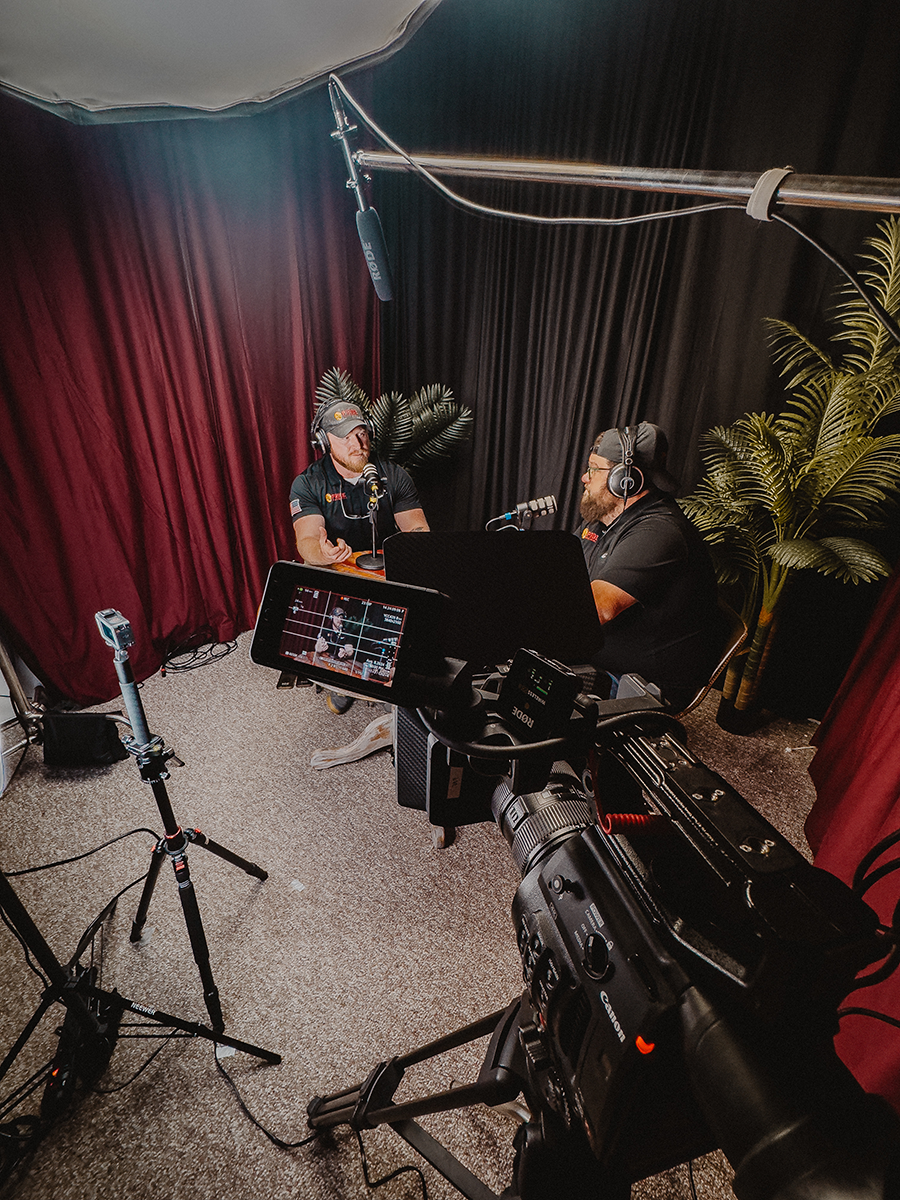
The production console at the heart of our podcast recording setup. It brings microphone inputs, headphone monitoring and recording controls together in one place.
Where it fits
A studio conversation with multiple microphones and a dedicated audio workflow.
Before you choose
Check the exact microphone model and connection when choosing a bundle. A matching RØDE mic set is in use; its model is still being confirmed, so we have not linked a specific microphone bundle.
A two-channel wireless microphone system for interviews and location work. On-board recording gives you another way to protect the take.
Where it fits
Two-person interviews, moving subjects and lightweight location recording.
Before you choose
Confirm the transmitter count, required cables and your recording-device connection. Wireless GO II is a specific generation; a similar name does not guarantee the same kit.
A directional on-camera microphone with gain control and flexible battery or USB power. Useful when the production calls for a compact camera-mounted audio option.
Where it fits
Camera-led filming, ambient sound and mobile production.
Before you choose
Check the camera’s microphone input, mounting space and cable. Camera-mounted sound depends on distance; it does not replace getting a microphone close to the speaker.
The original EOS R6 is a full-frame mirrorless camera in Canon’s RF system. Camera choice is one part of a recording setup—lens, lighting, sound and power matter too.
Where it fits
A camera-based production workflow with separate planning for lenses, audio and recording duration.
Before you choose
This reference is the original EOS R6, not the Mark II or another generation. EF lenses require an appropriate adapter. Check recording limits, power and capture needs for a long conversation.
Our studio console is the RØDECaster Pro II with a RØDE microphone set. Individual microphone, headphone and accessory models will be added as they are confirmed. Other items here come from LVL’s production equipment archive; they are not a complete list of equipment used in every episode.
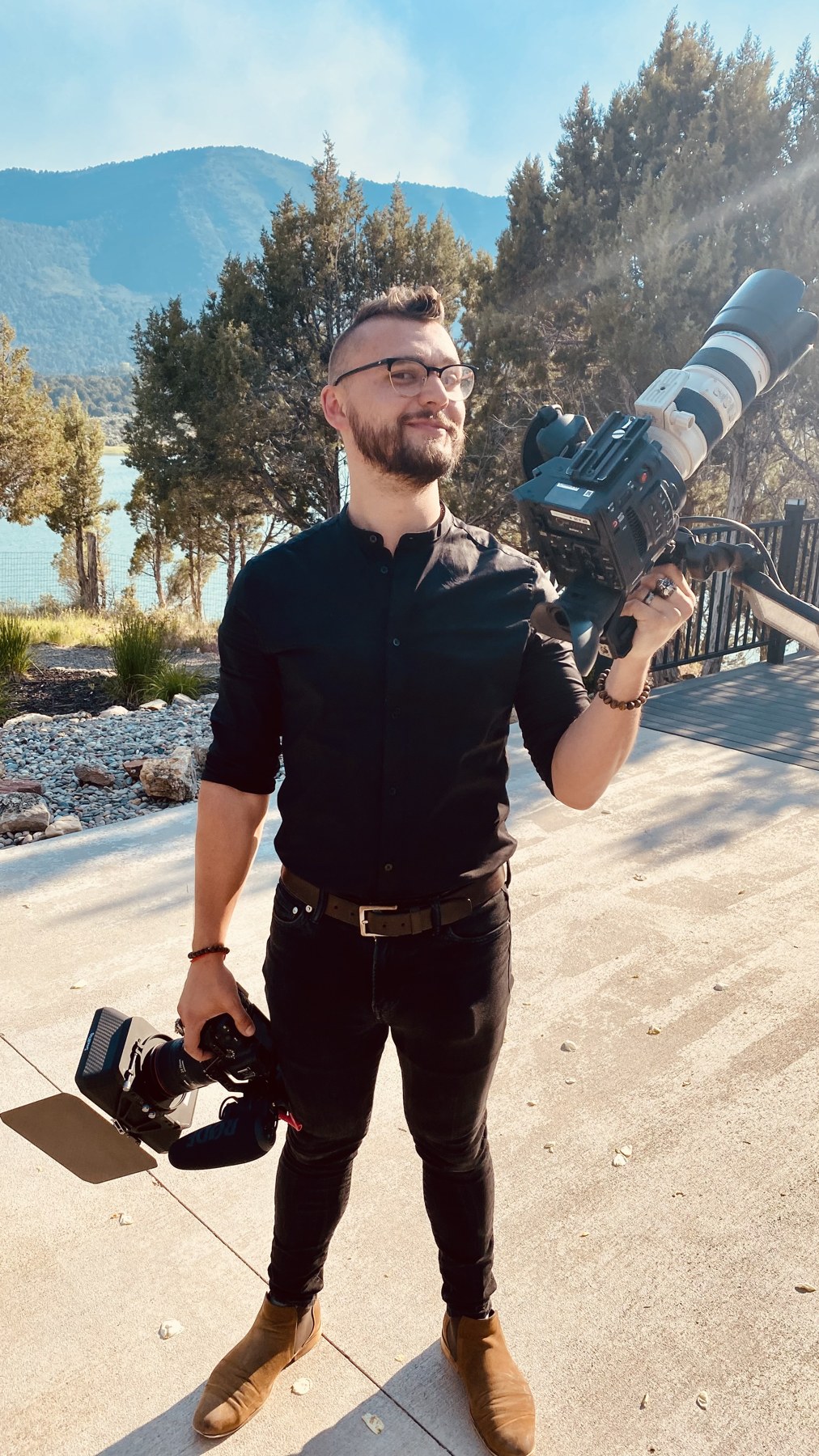
LACHLAN QUINTANA / LVL CREATIVE STUDIOS
A PRODUCTION MINDSET
BUY FOR THE WORK.
Sound comes first.
Put the mic close, control the room and listen on headphones before the conversation starts.
Build a complete signal path.
Mic, connection, recorder, power, media. Check every link before adding another piece of gear.
Practice beats another purchase.
Test a real conversation. Review what failed. Upgrade the part that actually holds you back.
PUT LVL BEHIND YOUR NEXT IDEA
THE GEAR IS THE START. LET’S MAKE SOMETHING.
Have a show in mind? Bring the idea. Explore working with LVL on the production behind it.